A good intake process wins clients and avoids problems later. Here is a practical checklist, and how to move each step online.
For a small firm, the first week with a new client sets the tone for the whole matter. A slow or messy intake loses clients to the firm that called back first, and a missed check can cause trouble months later. Here is a checklist you can use as it is, with notes on doing each step online.
Before the first meeting
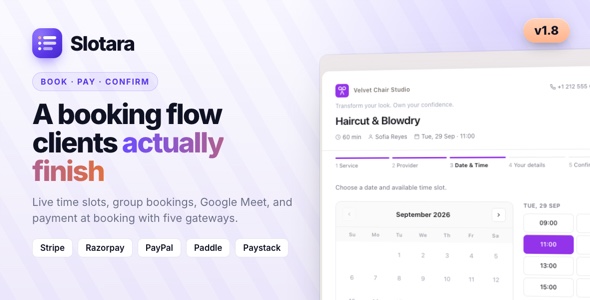
- Make booking easy. Let people request a consultation from your website at any hour, for the right practice area.
- Collect the basics in advance: name, contact details, the other parties involved and a short description of the problem.
- Run a conflict check against existing clients and opposing parties before you hear confidential details.
- Confirm and remind. Send a confirmation straight away and a reminder the day before.
At the first meeting
- Confirm the client's identity and who you are acting for.
- Agree the scope of work: what is included and what is not.
- Explain the fee: fixed, hourly or staged, and when payments are due.
- Note key dates such as limitation periods, hearings and filing deadlines.
After the meeting
- Send the engagement letter or retainer the same day while the decision is fresh.
- Get it signed without asking the client to print anything.
- Open the matter with its tasks, deadlines and documents in one place.
- Send the first invoice or request the retainer payment.
- Tell the client what happens next, and give them one place to check progress.
Moving the checklist online with Matterly
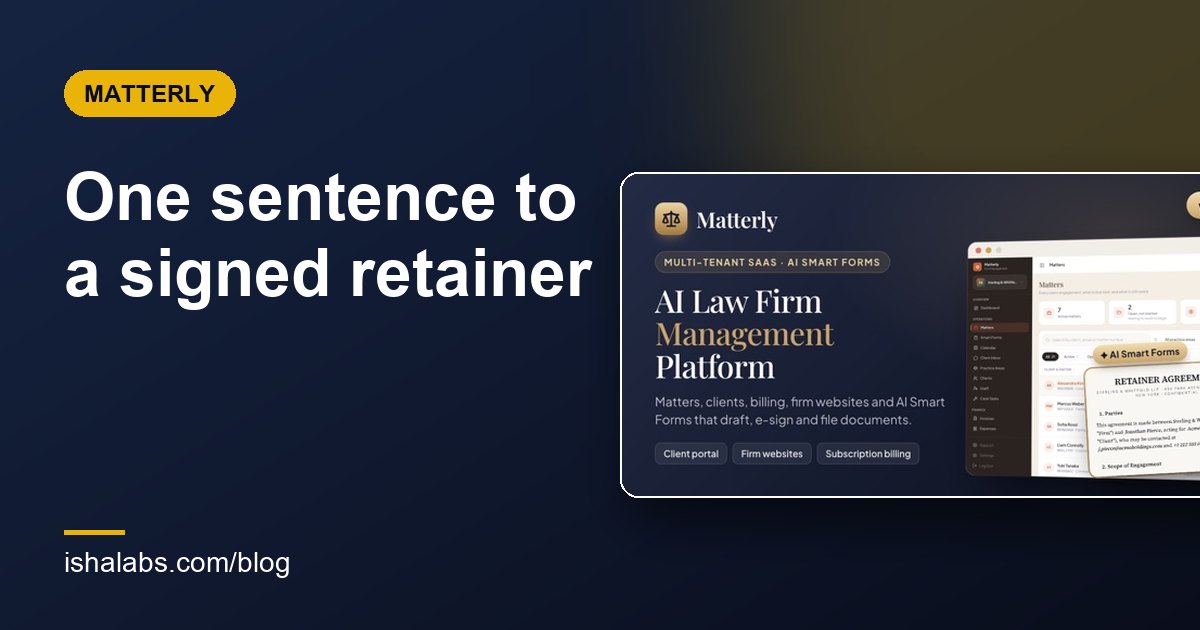
Matterly covers each of these steps:
- Every firm gets a public website with consultation booking and a chat assistant that can open a matter.
- A free Conflict Check add-on searches a name across clients, matters and recorded parties, and keeps a log of each check.
- Appointment reminders go out by email, SMS or WhatsApp before hearings and consultations.
- Smart Forms send the retainer for online signature, with the signed PDF filed on the matter.
- The matter workspace holds tasks, deadlines, hearings, documents and invoices, and moves through your own stages on a board.
- The client portal shows the client their matters, invoices and a simple progress bar.
You can explore the whole flow in the Matterly live demo with the firm admin login, or start from the public firm website and book a consultation as a client.
Matterly: Law Firm & Advocate Management SaaS
Run a law-firm SaaS where AI drafts legal documents and clients sign them online.