Every missed appointment is a slot nobody else could book. These six settings cut no-shows without annoying good clients.
A no-show costs a small business twice: the income from that slot, and the client who wanted that time but was told it was taken. You cannot remove no-shows completely, but the right booking settings make a big difference. Here are six that work, and how they are set up in Slotara.
1. Send reminders by email and SMS
Most people do not skip appointments on purpose. They forget. A reminder the day before solves most of it. Slotara sends booking confirmations and reminder emails automatically, and with Twilio connected it can text clients too. Each SMS event can be switched on or off, so a business can choose reminder texts only.
One practical note for platform owners: reminders are sent by the scheduler, so the server's cron job must be running. Slotara's installer shows the exact cron line on its finish screen.
2. Take payment, or a deposit, at booking
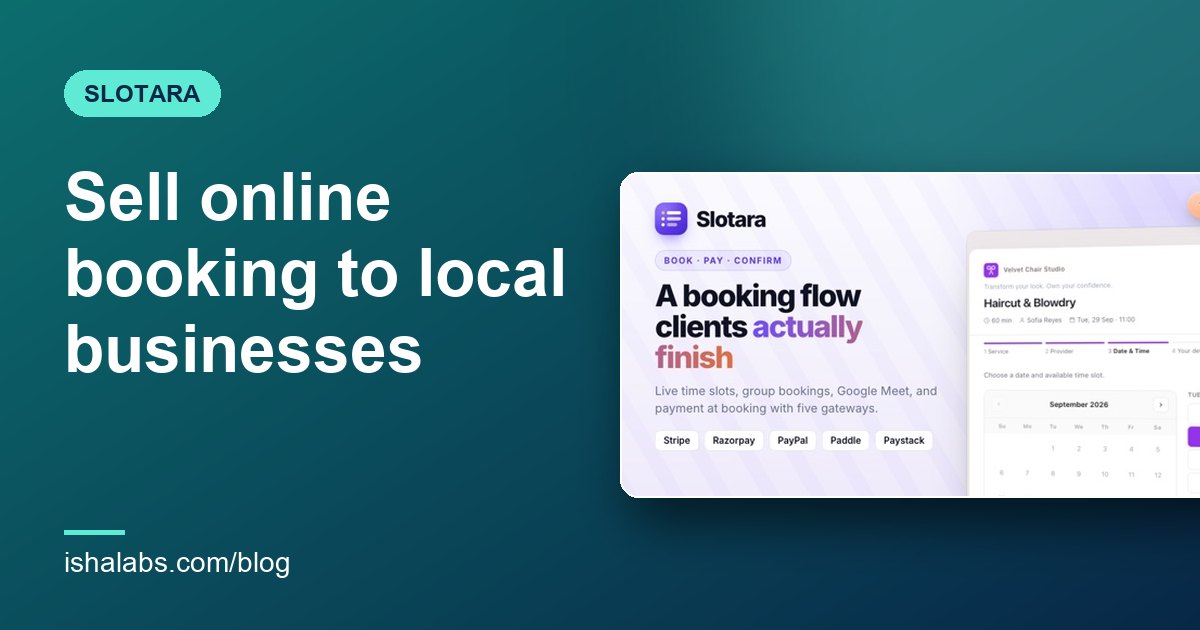
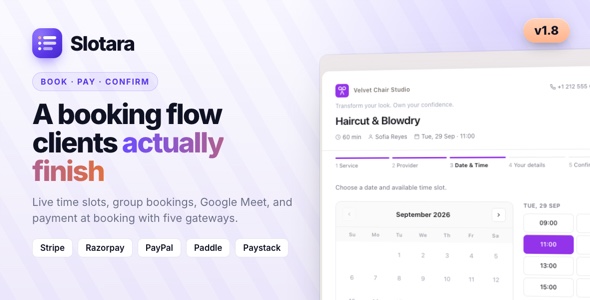
Clients who have paid turn up. If a business has a high no-show rate, switch on online payment at booking. Slotara supports Stripe, Razorpay, PayPal, Paystack and Paddle, chosen per business. Unpaid checkouts do not block the calendar: if a client starts paying and leaves, the slot is released after 30 minutes, or straight away when they close the payment page.
3. Make cancelling easy
This sounds backwards, but it works. A client who cannot cancel easily often just does not come. A client who can cancel in two taps frees the slot for someone else. Slotara lets each business decide whether clients may cancel online. When it is allowed, the cancel link in emails and the client's My Bookings page follow the same rules, and past appointments cannot be cancelled.
4. Approve new bookings when it matters
For long or expensive appointments, some businesses prefer to check each request first. With Require approval for new bookings switched on, new bookings start as pending, the client gets a "request received" email, and the confirmation goes out when the business confirms. Most businesses leave this off; it is useful for first visits or premium services.
5. Set advance notice and a daily cap
Bookings made ten minutes before an appointment are more likely to go wrong. A minimum advance notice gives staff time to prepare, and a daily cap stops one provider being overbooked. Both are booking settings, and they apply to rescheduled bookings too.
6. Put the calendar invite in the confirmation
An appointment in the client's own calendar is harder to forget than an email. Every Slotara confirmation includes add-to-calendar buttons and a calendar file in the business's own timezone. For online services, the Google Meet link is in the invite as well.
Which to start with
If a business does nothing else, switch on reminders. If no-shows are still above one in ten, add payment at booking. Measure for a month before changing more.
You can try every setting above in the Slotara live demo: log in as the salon owner and open the booking form settings.
Run online booking for many salons, clinics and gyms from one install, and charge them a subscription.